
Why Coose Us?
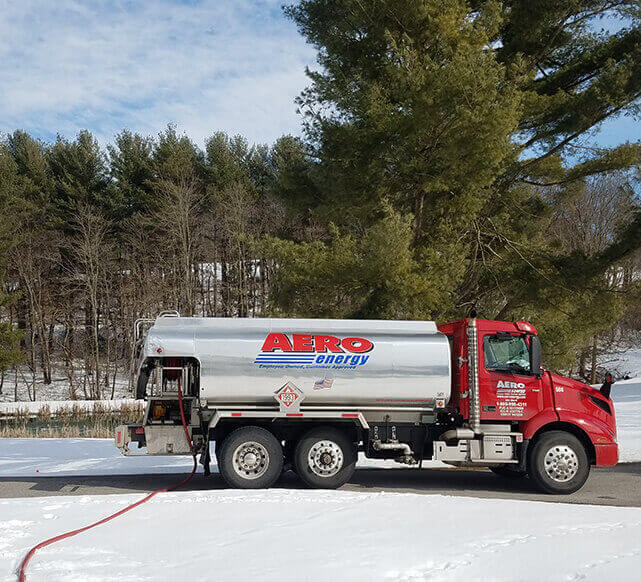
Why Choose Aero Energy?
For the best-in-class propane and heating oil delivery, commercial fueling and HVAC services, Aero Energy is the easy choice to make in Pennsylvania, Maryland and Delaware. Simply put, you can depend on us for those that depend on you. In business since 1929, Aero Energy’s reputation is built on dedication to our customers, quality care and a customer first attitude centered around ever-changing consumer needs. We offer products from brands we trust to provide our customers with consistent performance while also cutting down on unnecessary costs. From fuel delivery to HVAC and plumbing, our team will go above and beyond to ensure you receive service that exceeds your expectations.Stay Comfortable—And Save Money
Your heating and cooling problems are solved. Whether you’re remodeling and need a new heating and cooling system or need your current system to work more efficiently, Aero Energy can help. Also, if you’re considering switching your fuel source and reducing your energy bill, call us. Since 1929, we’ve been helping our clients stay comfortable—and save money—all year long, 24 hours a day.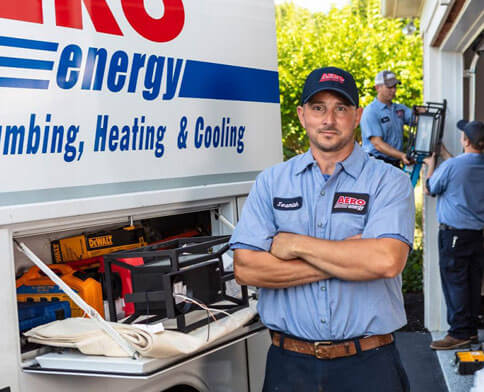
The reason our team members work so hard to please our customers is because our employees are also our owners. A significant portion of Aero Energy stock is employee-owned through an Employee Stock Ownership Plan (ESOP). With well over 100 full-time employee-owners on staff across 10 locations, we are committed to a job well done every time. From customer support to our delivery drivers and service technicians, if you interact with one of our team members it’s quite likely an employee owner.

Ensuring quality care and a job well done with all of our customers is one of the most important values at Aero Energy! We’re incredibly proud to have amassed a roster of 5-Star reviews across google, Facebook and the Better Business Bureau to help provide insight on the work we perform every day. Interested in seeing for yourself? Click here to visit our testimonials page.

We are proud to offer our customers flexibility from account access to delivery scheduling and HVAC services. We also understand that our customers have different needs which is why we provide automatic delivery options for worry-free deliveries as well as online ordering for those who prefer a self-service ordering style. Additionally, we’ve designed our MyAero portal to provide you access with your account information wherever and whenever you need it.

We offer programs that help put money back in the pockets of our customers and support the community. Looking to save on your home energy bill we recommend you explore our programs page to see if you qualify for any of our offerings. These include but are not limited to our refer-a-friend program, Adams Electric Cooperative Reimbursement program, Choptank Electric Cooperative Reimbursement program, and Smart Price Protection. We also recommend our House of Worship program where we will donate to your church for every gallon of propane and heating oil you use each heating season.